

A Simple Guide: Choosing the Best Mobile Phone for the Elderly
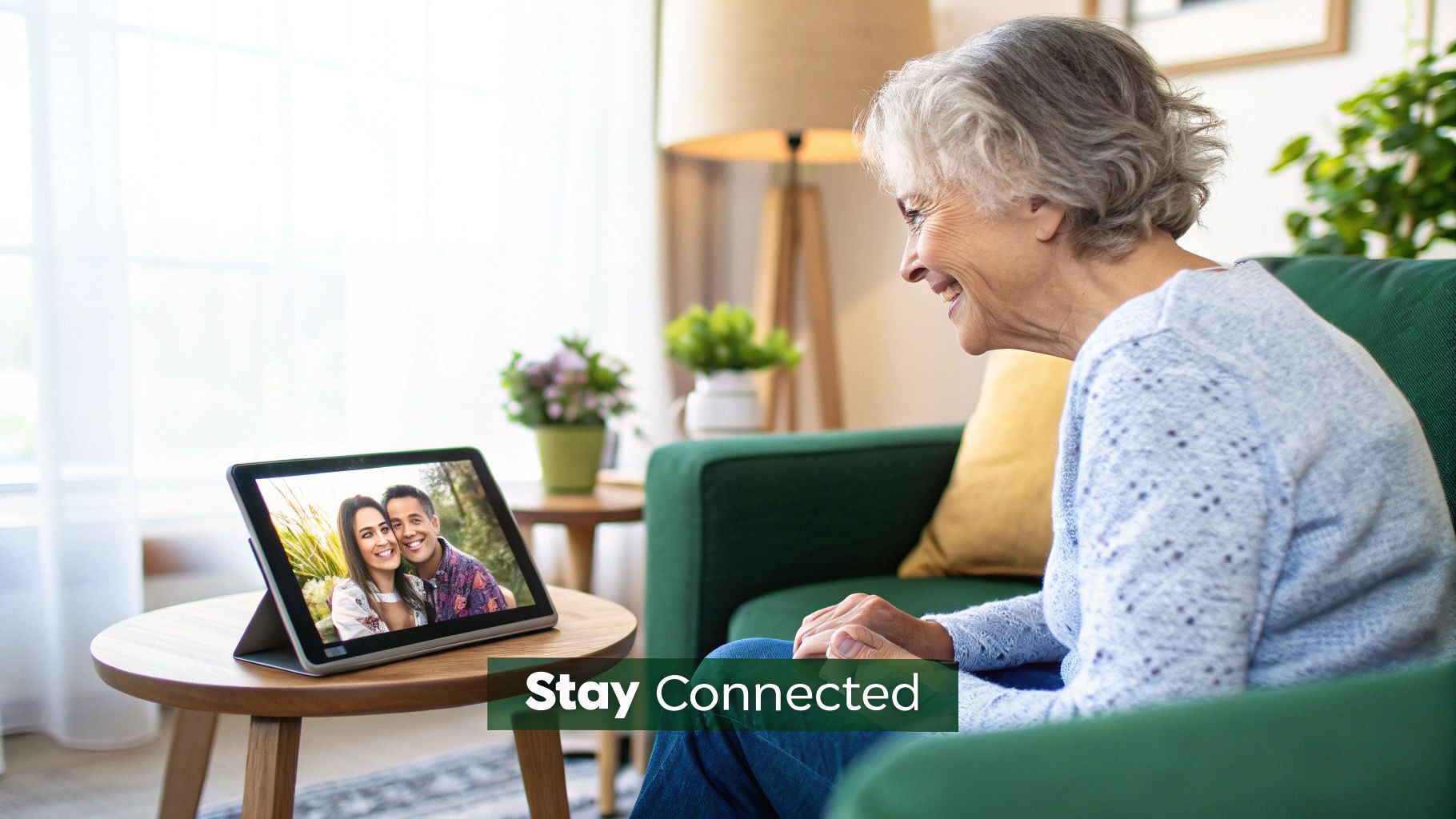
Choosing a mobile phone for an elderly parent or grandparent is about so much more than just technology. It’s about connection, safety, and helping them stay independent. The right device can be a genuine lifeline, bridging the gap for everything from telehealth appointments to seeing the grandkids’ smiling faces on a video call.
This guide will help you cut through the confusion and find a mobile phone that’s a perfect fit for your loved one's needs, without breaking the bank. Let's dive in.
Keeping Your Loved Ones Connected and Safe
In a world that’s more digital than ever, finding the right phone for a senior loved one is a huge deal. It’s not about getting the latest, flashiest gadget. It's about finding a reliable tool that empowers them. A good, simple phone makes it easy to share a quick photo or jump on a video chat, closing any distance between family members.
Even more importantly, it’s a critical tool for their health and safety. With telehealth becoming so common in Australia, a simple smartphone can be the key to accessing healthcare from home. In fact, Australia's mobile health market is predicted to explode to USD 11.03 billion by 2033, and a huge part of that growth is driven by our ageing population relying on these devices for virtual consultations.
Balancing Simplicity, Budget, and Features
The real goal is to find a phone that has modern features without being overwhelming to use. We'll dive deep into this, but here are the key things to keep in mind:
- Ease of Use: A simple, clear interface with big icons isn't just nice to have—it's essential.
- Accessibility Features: Think loud speakers, compatibility with hearing aids, and screens that are easy to read in any light.
- Budget: A great phone doesn't need to cost a fortune. As we'll see, certified refurbished options offer incredible value.
- Safety: Peace of mind is priceless. Features like a dedicated SOS button or one-touch access to emergency contacts can make all the difference.
It's also worth knowing about the support systems available, like the Commonwealth Home Support Program, which can help families provide comprehensive care.
Ultimately, this guide will walk you through how a quality refurbished phone from a trusted Australian seller like Trade.com.au can tick all these boxes, giving you that perfect blend of features, affordability, and reliability.
Essential Features of a Senior-Friendly Phone
When choosing a phone for an older family member, the features that matter most are often the ones that get overlooked in mainstream reviews. Forget about the latest processor or the most advanced camera system; the real priorities are visibility, clarity, and simplicity.
A big, bright screen is your first port of call. It can make the difference between a phone that’s a helpful tool and one that just causes frustration. A large, high-contrast display with adjustable text sizes helps reduce eye strain, meaning less squinting and more comfort when reading messages or looking up a contact.
Here are the key things our tech-savvy team always tells people to look for:
- Large, High-Contrast Display: Look for a screen that’s at least 5.5 inches. More importantly, check that it has easy-to-find settings for increasing font size and switching to high-contrast mode.
- Loud, Clear Audio: A phone needs to be heard. Prioritise models with strong speakers, hearing aid compatibility, and a volume output that can reach over 100 dB for crystal-clear calls.
- Intuitive Interface: Cluttered screens are a nightmare. The best phones for seniors use big, obvious icons and simple menus that make navigation a breeze.
- Physical Buttons: For many, the tactile feedback of a real button is far more reliable than a slippery touchscreen, especially if dexterity is a concern.
- Dedicated SOS Button: This is a huge one for peace of mind. A single, dedicated button that can be pressed in an emergency to call for help is an invaluable safety feature.
- Long-Lasting Battery: No one wants to be a slave to the charger. Aim for a battery that can comfortably last at least 24 hours with mixed use.
- Simple Camera: A straightforward, point-and-shoot camera is perfect. It’s all about making it easy to capture and share moments with family without getting bogged down in complicated settings.
To help you evaluate different phones at a glance, we've put together a simple checklist.
Must-Have Features in a Senior's Mobile Phone
Use this table to evaluate phones and prioritise features based on your loved one's specific needs.
| Feature | What to Look For | Why It's Important |
|---|---|---|
| Large Display | At least 5.5 inches with adjustable brightness and text size. | Improves readability and makes the phone much less tiring on the eyes. |
| High-Contrast Screen | A simple setting for black text on white, or white on black. | Boosts clarity and makes everything easier to see, especially for users with low vision. |
| Hearing Aid Compatibility | A rating of M4/T4 is the gold standard. | Ensures a clear, interference-free connection for anyone using a hearing aid. |
| Tactile Buttons | Physical keys with raised edges and good spacing. | Gives positive feedback when pressed and minimises mistakes for those with unsteady hands. |
| SOS Button | A dedicated, one-touch emergency button. | Provides immediate access to help, offering peace of mind for both the user and their family. |
This checklist is your starting point. Think about the person you're buying for—what will make their life easiest? From there, you can dig a little deeper into the two most critical areas: the screen and the sound.
How a Great Display Boosts Readability
A crisp, clear display is the first line of defence against visual frustration. It’s not just about size; it’s about control. The ability to instantly increase font size or switch to a high-contrast mode can transform a screen of tiny, jumbled text into something perfectly readable.
Beyond the screen itself, audio settings play a huge role in overall accessibility. If you need a little help getting the sound just right, you can fine-tune volume levels and equaliser settings to match specific hearing needs by following our guide on customising audio and sound settings for phones in Australia.
“A clear screen and loud audio have made calling much safer and more enjoyable for my mum,” says a son assisting his mother.
Audio and Hearing Accessibility
Loud, distortion-free speakers are absolutely vital, not just for those with hearing loss, but for anyone who relies on speakerphone to chat.
When you're looking at specs, keep an eye out for phones rated M4/T4 or higher. This technical jargon simply means the device is designed to work seamlessly with hearing aids, cutting out the annoying buzzing or feedback that can sometimes occur. A good phone should also let the user adjust settings like treble and bass without having to navigate a confusing menu.
Here’s a quick way to test a phone's audio chops:
- Press the volume up button on the side. Does the sound get loud without becoming tinny or distorted?
- Dive into the settings menu and look for "Accessibility." This is where you'll find options for hearing aid compatibility (M4/T4).
- Make a test call and switch on the speakerphone. Stand a few feet away—can you still hear the other person clearly?
When you combine these display and audio features, you get a phone that feels safe, comfortable, and empowering. With big icons and easy-to-press buttons, the right device can boost confidence every single day. Next, we’ll compare smartphones and simple phones to help you find the perfect fit.
Smartphones Versus Simple Phones for Seniors
Picking between a smartphone and a simple phone is often the first, and biggest, decision when buying a mobile for an older person. There's no single right answer here. The best choice really hinges on your loved one's comfort with technology and what they actually need a phone for. Think of it as choosing between a classic, reliable landline and a modern communications hub that does a bit of everything.
A simple phone—often called a feature phone or a flip phone—is brilliant at the basics. For making and taking calls, sending a quick text, and having a battery that lasts for days instead of hours, they're unbeatable. If someone just needs a dependable way to stay in touch without any fuss, this is often the perfect, stress-free option.
A smartphone, on the other hand, opens up a whole new world. It's the key to video calls with the grandkids, using telehealth apps for appointments, or even getting directions with maps. These devices are built for so much more than just talking.
The Case for a Simple Phone
The real strength of a simple phone lies in its simplicity. With physical buttons you can actually feel, a straightforward menu, and very few functions, it offers a familiar and unintimidating experience. This makes it a fantastic choice for anyone who’s never used a mobile before or finds touchscreens tricky due to dexterity issues.
The main benefits are clear:
- Exceptional Battery Life: They can often last for several days on a single charge.
- Durability: Built to be tough, they can handle drops and bumps far better than many fragile smartphones.
- Simplicity: There are no app stores, endless notifications, or confusing settings—just the essentials.
For many seniors, the goal isn't to master new technology; it's to have a reliable tool that works without fuss. A simple phone delivers on that promise perfectly, providing peace of mind through pure function.
How Smartphones Bridge the Gap
It's a common myth that all smartphones are too complicated for older users. Modern devices, especially refurbished iPhones from brands like Apple, are packed with powerful accessibility features designed to make them easier to use. These tools can effectively turn a standard smartphone into a much simpler device.
For example, you can set up a simplified home screen showing only a few large icons for key apps like "Phone," "Messages," and "Photos." Features like increasing the text size, using voice commands for almost anything, and screen readers can make navigation a breeze. The ability to manage contacts and settings remotely through family-sharing features also provides a brilliant support system for caregivers.
This decision tree gives you a great visual guide for figuring out if basic calls are the priority, or if video and apps are more important.
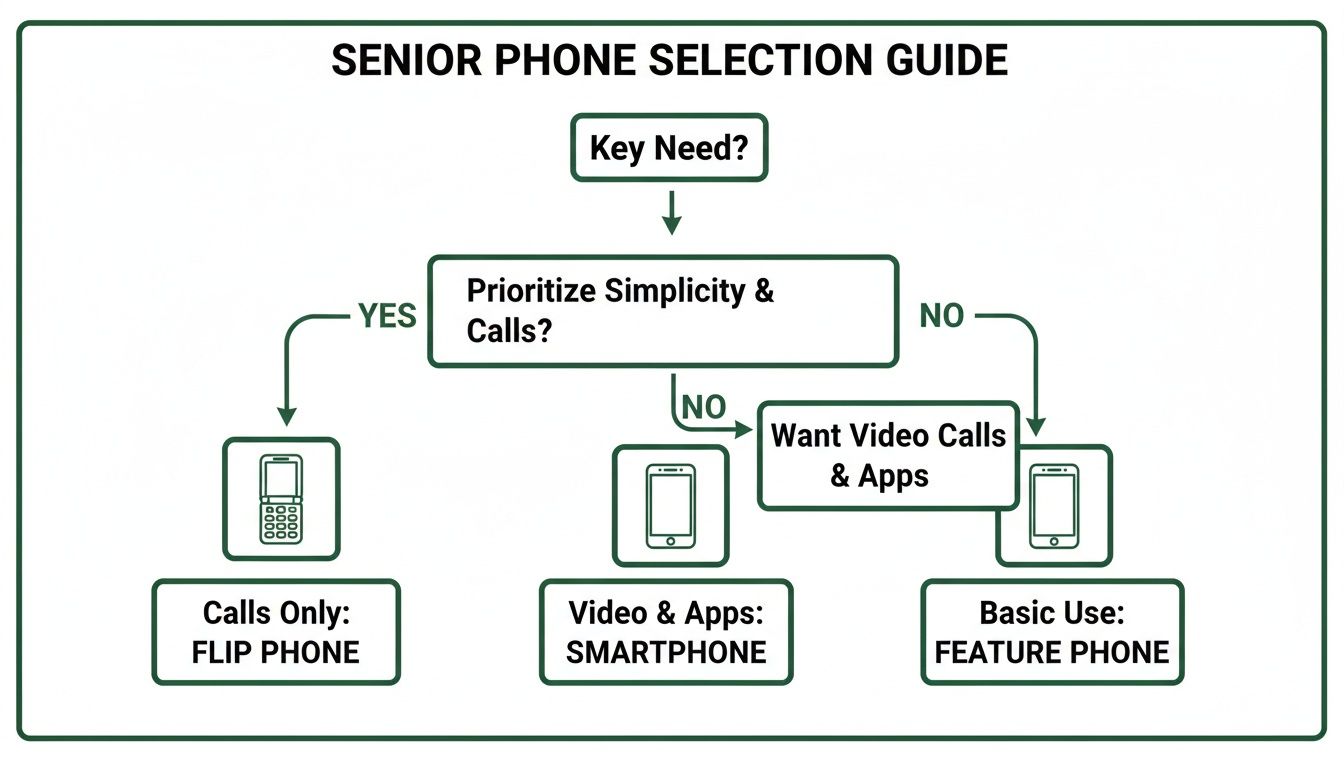
Ultimately, it all comes down to what the user actually needs. Is it for basic calls and emergencies, or for broader digital connection? By weighing up their daily activities and how tech-savvy they are, you can make the right call and find a device that truly empowers them.
Why a Refurbished Phone Is a Smarter Choice
Let's be honest, the price of a brand-new smartphone can be a real sticking point, especially when you’re looking for a simple, reliable phone for an older family member. This is where refurbished phones come in, offering a brilliant, budget-friendly, and sustainable alternative.
But what does "refurbished" actually mean? It’s a common point of confusion, so let's clear it up.
A certified refurbished phone isn't just a 'used' or 'second-hand' device you'd find on a local marketplace. Think of it more like a certified pre-owned car from a trusted dealership. It’s a device that’s been returned, then professionally inspected, repaired, and put through rigorous testing to make sure it works just like it did on day one. Every single part, from the battery to the screen and speakers, is checked and confirmed to be in perfect working order.
The Clear Advantages of Choosing Refurbished
Opting for a refurbished mobile phone makes a lot of sense, especially for seniors who need a dependable device without paying for bells and whistles they'll never touch.
- Significant Savings: You can pick up a premium, user-friendly model like an iPhone SE or a Samsung Galaxy for a fraction of what it cost brand new. This makes top-quality tech accessible, no matter the budget.
- Eco-Friendly Choice: Choosing refurbished is a fantastic way to cut down on electronic waste. You're giving a perfectly good device a second life, keeping it out of a landfill.
- Guaranteed Quality: Reputable Australian sellers, like us here at Trade.com.au, back their certified refurbished phones with a 12-month warranty. This gives you the exact same peace of mind you’d get buying new.
A refurbished phone strikes the perfect balance for a senior user: you get the proven reliability and user-friendly design of a top-tier brand without the flagship price. It’s a practical, worry-free solution.
Closing the Digital Divide in Australia
Cost is often one of the biggest hurdles preventing older Australians from staying connected with family and friends. Research consistently shows a digital inclusion gap for seniors, but affordable technology can make a huge difference. With over 34.4 million mobile connections in Australia, making sure everyone can participate is vital. Refurbished phones help make this happen, offering access to essential tech that helps close this gap.
Understanding the difference between a simply 'used' phone and a professionally refurbished one is key. For a deeper dive, check out our detailed guide on what a refurbished phone really is.
When you choose a refurbished device, you're also taking part in the circular economy—a system where products are reused and recycled rather than just thrown away. This whole process works because of responsible consumers who understand how to recycle your mobile phone when it finally reaches the end of its life, which in turn helps keep these affordable options available for others.
How to Set Up a New Phone for an Elderly User
A brand-new phone can feel more like a confusing gadget than a helpful tool, especially if you're not used to them. But with a few simple setup steps, you can transform it into something that’s genuinely easy and stress-free to use. The goal here is to create a friendly experience right from the start, making the whole transition feel smooth and empowering.
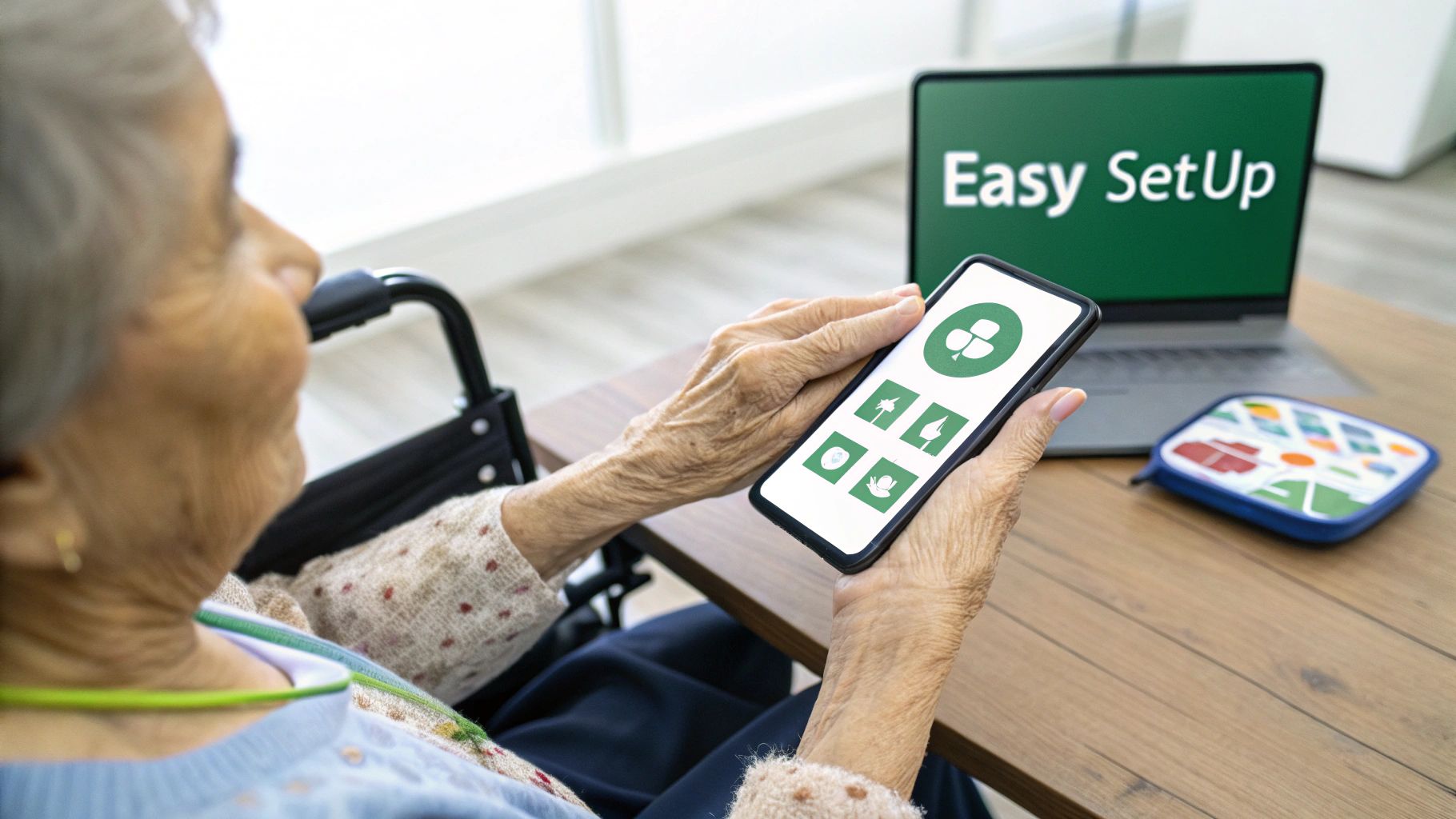
Before diving into the settings, think about what they already know. Smartphone loyalty is incredibly high in Australia, with Android users sticking to what they know 89-91% of the time, and iOS users 85-88%. If they’ve used a tablet or an older phone before, sticking with the same operating system (like Android or Apple's iOS) can make a world of difference and flatten the learning curve. You can see more on these trends in this detailed Australian market analysis.
Customise for Clarity and Comfort
First things first: let's make the screen easy to see and navigate. This is about more than just cranking up the brightness; it's about tweaking the display to suit their eyesight perfectly. Whether you’ve got an iPhone or an Android, you'll find everything you need in the "Accessibility" menu inside the main settings.
Here’s where to start:
- Increase Font Size: This is a game-changer. It makes all the text on the phone larger and much easier to read.
- Enable High-Contrast Mode: This flips the colour scheme to something like bold white text on a black background, which can dramatically improve visibility for many people.
- Boost Icon Size: Making the app icons bigger on the home screen means they're easier to see and, just as importantly, easier to tap accurately.
These small adjustments have a huge impact. They cut down on eye strain and make the phone feel instantly more approachable.
Simplify the Home Screen
Nothing is more overwhelming than a cluttered screen filled with apps you’ll never use. The trick is to strip it back to the absolute essentials, putting the most important functions front and centre.
A clean, simple layout with just a few core apps is the secret to building confidence. Think of it as creating a personalised remote control for their digital life, with everything they need just one tap away.
Follow these steps to declutter and organise:
- Remove Unused Apps: Get rid of any pre-installed apps they won't use. Apps like "Stocks" or "Podcasts" can just be hidden or deleted to clear the clutter.
- Organise Key Apps: Drag the most important apps—like "Phone," "Messages," "Camera," and maybe "WhatsApp"—right onto the main home screen.
- Set Up Emergency Contacts: This is a must. Add key family members and emergency services to a favourites list or speed dial. It's a critical safety feature for any mobile phone for the elderly.
By taking the time to tailor the phone to their specific needs, you’re doing more than just setting up a device. You’re creating a reliable lifeline that helps them stay independent and connected.
Finding the Right Refurbished Phone on Trade.com.au
Alright, let's put all that theory into practice. While the world of tech can sometimes feel a bit overwhelming, finding the perfect mobile phone for an elderly family member on Trade.com.au is actually pretty simple once you know what you’re looking for. Our marketplace is designed to help you filter for models known for being reliable and easy to use.
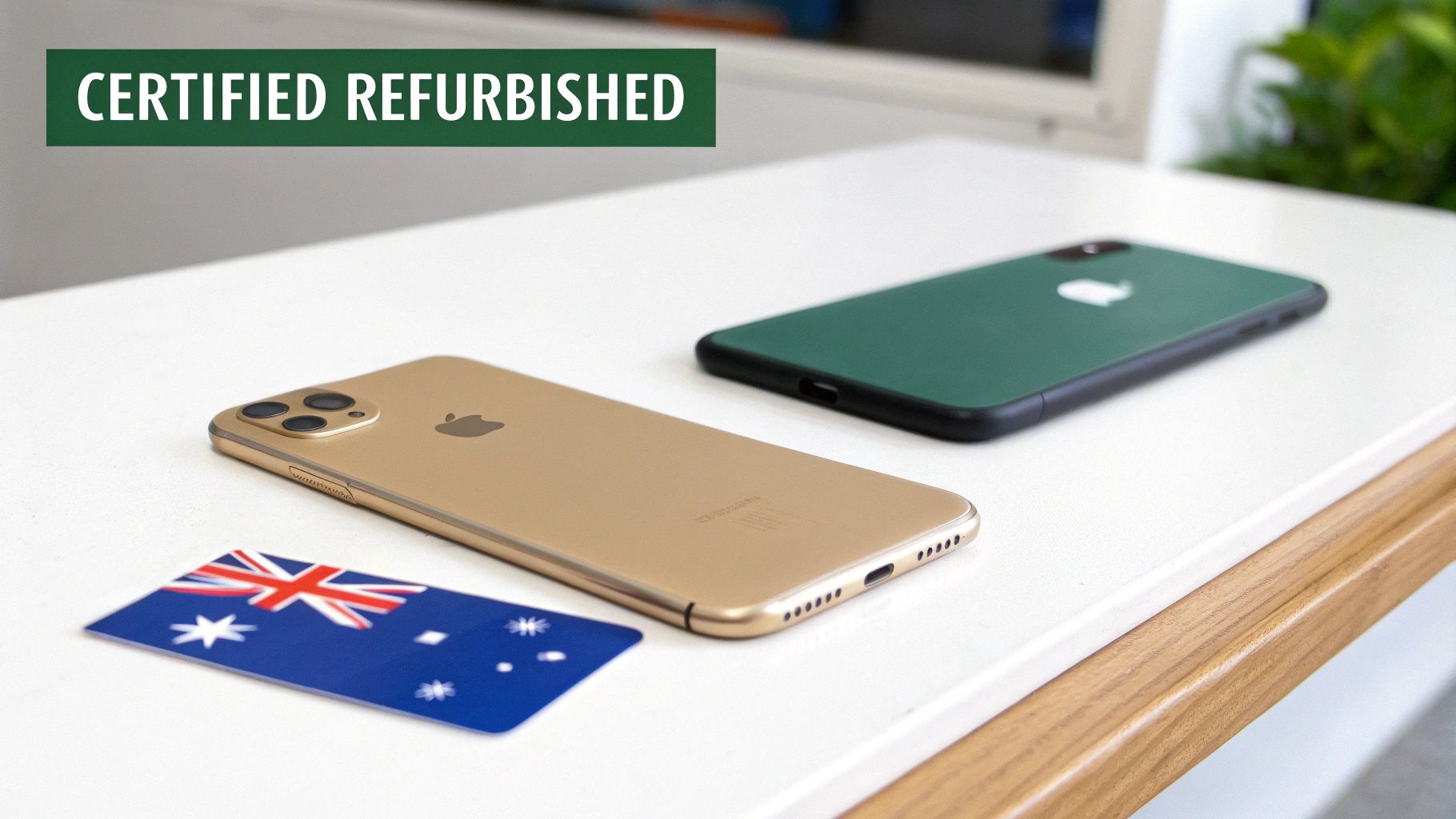
We often recommend looking at refurbished devices like the iPhone SE or certain Samsung Galaxy A-series phones. These models are popular for a very good reason: they offer clean, intuitive interfaces without bogging users down with features they’ll never use.
The iPhone SE, for instance, packs modern power into a classic, familiar design. Meanwhile, many of the Galaxy A-series phones have large, vibrant screens that are fantastic for tired eyes.
The Benefits of Buying Australian
Choosing where you buy is just as important as choosing what you buy. When you purchase from an Australian-based marketplace like Trade.com.au, you're not just getting a device; you’re getting local support and the confidence that comes with it.
Buying a certified refurbished phone from a trusted Aussie seller isn't just a transaction. It's a supported purchase that comes with the peace of mind that help is right here at home if you ever need it.
Every certified refurbished phone sold on our platform comes with a solid 12-month warranty, which protects you against faults. On top of that, our customer support team is based right here in Australia, ready to help with any questions you might have about setting up the phone or figuring out a feature.
To help you get started, we've put together a guide on the best place to buy refurbished phones in Australia, which breaks down exactly what to look for in a seller you can trust.
Frequently Asked Questions
Choosing the right phone for an older family member can bring up a few last-minute questions. To help you feel completely confident in your decision, we’ve put together some straightforward answers to the queries we hear most often.
Is a Refurbished Phone Reliable for Emergencies?
Absolutely. It’s a very fair question, and one we get asked a lot. You can definitely rest easy knowing that reliability is the top priority for any certified refurbished device.
Every single phone goes through a comprehensive, multi-point inspection to guarantee that all the critical functions—especially the battery, mobile signal, and speakers—are in perfect working order. On top of that, every phone from a trusted Aussie seller like Trade.com.au comes with a warranty. This gives you that extra layer of security, ensuring the phone is a dependable lifeline when it’s needed most.
Which Is Easier for Seniors to Learn: iPhone or Android?
This really comes down to what feels most natural to the person using it, and whether they’ve used similar tech before. iPhones are famous for their simple, clean interface, which many people find incredibly easy to pick up from scratch. If your loved one has ever used an iPad, an iPhone will feel like second nature.
On the other hand, Android offers a massive range of phones at different price points, and they can be customised a bit more. Neither one is officially 'better'—the easiest one is almost always the one that makes the most sense to the person holding it.
Key Takeaway: The best operating system is often the one they've already used in some form. That familiarity cuts down the learning curve massively and helps build their confidence much faster.
What if My Parent Has Trouble with the Phone?
This is a crucial piece of the puzzle. You want to know that real, accessible help is available if they get stuck or something doesn't seem right. Choosing a provider with local support makes all the difference.
At Trade.com.au, we have an Australian-based customer support team ready to help with any setup questions or troubleshooting. Having that local support means you or your parent can get clear, friendly advice without any hassle.
Can I Manage Their Phone Remotely?
Yes, and for many families, this is an absolute game-changer. It makes providing tech support from a distance so much simpler.
- For iPhones: Apple’s Family Sharing and Screen Time features are fantastic. They let you help manage contacts, control which apps can be downloaded, and even find the device if it’s misplaced.
- For Android: Apps like Google Family Link offer very similar tools, allowing you to set usage limits and approve apps from your own phone.
These features empower you to help maintain their mobile phone, making sure it stays a simple, safe, and useful tool for them.
Ready to find a reliable, affordable, and easy-to-use phone for your loved one? Explore the wide range of certified refurbished devices at Trade.com.au today and give the gift of connection.