

How to Find the Best Used Laptop for Sale in Australia
When you punch "used laptop for sale" into a search bar, you're not just looking for a cheap computer. You're trying to find a smart way to get the tech you need without the eye-watering price tag of a brand-new machine. The good news? Opting for a second-hand device isn't just a good idea for your wallet—it’s a brilliant move for getting better performance and doing your bit for the planet.
Why a Used Laptop Is a Smarter Choice
Thinking about buying a used laptop can feel a bit like kicking the tyres on a second-hand car. You might be worried about reliability, hidden problems, or just not getting what you paid for. But, just like buying a certified pre-owned car, a carefully chosen used or refurbished laptop can offer incredible value. Instead of settling for a basic, entry-level new machine, that same budget could get you a higher-spec model that was a top-of-the-line device just a couple of years ago.
This simple shift in thinking unlocks way better performance, faster processors, and more premium features that would have been completely out of reach if you were only looking at brand-new models. It’s the easiest way to get more bang for your buck.
The Big Wins: Cost and Quality
The most obvious win is the huge cost saving. A used laptop can often be found for 30-50% less than its original price. This suddenly opens the door to top-tier brands like Apple, Dell, or Lenovo that you might have dismissed as too expensive when looking at new options.
But it’s not just about saving cash; it’s about spending it smarter. For the same price as a clunky, budget-friendly new laptop with the bare minimum specs, you could pick up a used powerhouse. We’re talking about a machine that's perfect for creative work, heavy-duty multitasking, or even a bit of gaming—a truly superior device without the premium price tag.
More Than Just a Bargain
Beyond the savings, choosing a used laptop is a powerful environmental statement. Australia produces a massive amount of electronic waste, and one of the best ways to fight this problem is by extending the life of a perfectly good device. By jumping into the circular economy, you’re helping to reduce the demand for new manufacturing, which in turn saves precious resources and cuts down on carbon emissions.
Choosing second-hand isn't about settling for less. It's about making a conscious decision to get more value while making a positive impact. It’s a savvy, economical, and eco-friendly investment.
To make a confident purchase, it’s really important to understand the difference between terms like 'used' and 'refurbished'. While 'used' can sometimes mean it's sold 'as-is' from a previous owner, a 'certified refurbished' device from a trusted marketplace like Trade.com.au has been professionally tested, cleaned, and confirmed to be in full working order.
You can dive deeper into these differences by exploring the world of second-hand electronics in our detailed guide. Arming yourself with this knowledge turns what could feel like a risky gamble into a smart, informed decision.
Your Pre-Purchase Inspection Checklist
Alright, you’ve found a listing for a used laptop that looks like a winner. Now for the important part: giving it a proper health check. Whether you're meeting a seller in person or asking for a video walkthrough, a quick inspection will help you spot any red flags and confirm the machine is as good as the ad claims.
Think of it less as a high-pressure test and more like a quick check-up for your potential new computer. By methodically checking a few key areas, you’ll be able to buy with complete confidence, knowing you’ve made a smart choice.
This infographic breaks down the simple logic of buying a used laptop: saving money, getting the performance you need, and making an eco-friendly choice all at once.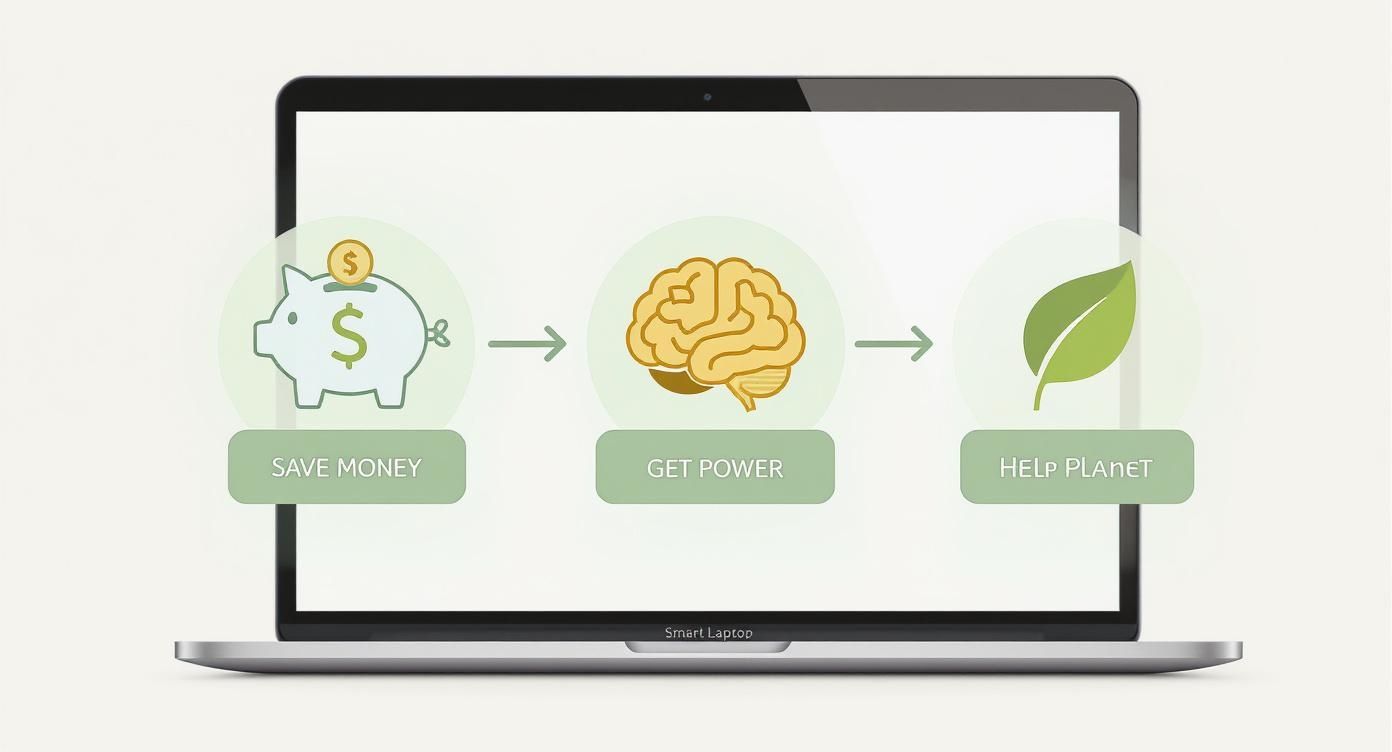
A smart purchase really does tick all three boxes—financial, performance, and environmental.
Assessing the Physical Condition
First impressions matter. Give the laptop a good, thorough look-over. While minor scuffs on the lid are pretty normal for a used machine, deeper issues can tell a story of a rough life.
Pay special attention to the corners and edges. Any significant dents or cracks are a tell-tale sign it’s been dropped. Open and close the lid a couple of times; the hinge should feel solid and smooth, not floppy or stiff. A wobbly hinge is a common problem that can be a real pain (and expensive) to fix later on.
Before you move on, give all the ports—USB, HDMI, the headphone jack—a quick look for any visible damage or gunk stuck inside. A bent pin or damaged port is a major headache waiting to happen, potentially stopping you from connecting your mouse, external monitor, or other essential gear.
Testing the Screen and Keyboard
The screen is your main window into everything you'll be doing, so it needs to be in top shape. Ask the seller to power it up and open a completely white background, like a blank document. This is the best way to spot any dead pixels (tiny black dots that won't light up) or bright spots.
Next, switch to a black screen. This helps you look for "backlight bleed," which shows up as uneven patches of light leaking from the edges. A tiny bit is often normal, but large, distracting blotches can be annoying.
Now for the keyboard. Open any text editor and type on every single key to make sure they all work properly and don't feel sticky. Don’t forget the function keys for things like volume and screen brightness. Lastly, give the trackpad a go—it should feel responsive to your touch, clicks, and multi-finger gestures.
To make this easier, here's a quick reference table you can use during your inspection.
Used Laptop Inspection Checklist
| Component to Check | What to Look For | Why It Matters |
|---|---|---|
| Case & Frame | Dents, cracks, deep scratches, especially on corners. | Indicates drops or rough handling that could cause internal damage. |
| Hinges | Smooth, firm movement. No wobbling or excessive stiffness. | A loose hinge is a common failure point and costly to repair. |
| Ports (USB, HDMI, etc.) | No visible damage, debris, or bent pins. | Damaged ports can make connecting essential accessories impossible. |
| Screen (White BG) | Dead pixels (black dots) or bright spots (white patches). | These defects are permanent and can be very distracting. |
| Screen (Black BG) | Backlight bleed (light leaking from the edges). | Excessive bleed can ruin the viewing experience, especially in dark scenes. |
| Keyboard & Trackpad | All keys working, no stickiness. Smooth trackpad response. | Ensures the primary input devices are fully functional for daily use. |
| Battery Health | 80% or higher of its original design capacity. | A low-capacity battery means you'll be constantly tied to a charger. |
| Wi-Fi & Bluetooth | Connects to a network and pairs with a device. | Confirms wireless connectivity is working as it should. |
| Speakers & Webcam | Clear audio playback and a functioning camera. | Essential for video calls, online classes, and media consumption. |
Having this checklist handy, either on your phone or printed out, ensures you don't miss anything important in the moment.
Checking the Battery Health
A laptop with a dead battery isn't much of a laptop. Don't just take the seller's word that the battery "works"—you need to see the actual health data. This is surprisingly easy to check and gives you a clear picture of how much life it really has left.
-
For MacBooks: Ask the seller to click the Apple menu, then go to
System Settings > Batteryand check Battery Health. A good used MacBook should show a "Maximum Capacity" of 80% or higher. -
For Windows Laptops: The seller can generate a report by opening the Command Prompt and typing
powercfg /batteryreport. This creates a file that shows the "Design Capacity" vs. the current "Full Charge Capacity." Just like with Macs, you're looking for the full charge capacity to be at least 80% of its original design.
A battery with less than 80% capacity might still hold a charge, but you'll find yourself hunting for a power outlet far more often. Insisting on this simple check is one of the most important things you can do to avoid buyer's remorse.
Software and Performance Checks
Once you're satisfied with the physical hardware, it’s time for a quick performance check. First, ask the seller to make sure the laptop has been factory reset. This is crucial for protecting their personal data and giving you a clean, fresh start.
While you're there, connect to a Wi-Fi hotspot to confirm the wireless card works. Play a quick YouTube video to test the speakers and see if the webcam turns on. If you can, open a few browser tabs or a simple program to get a feel for how the system responds. It should feel quick and snappy, not frustratingly slow.
This kind of hands-on inspection logic isn't just for laptops. It's a smart approach for any used tech. For example, you can use a very similar process when you learn how to inspect a phone's condition before buying.
By following these straightforward steps, you transform from a hopeful buyer into an informed one. This checklist empowers you to see past the shiny listing photos and confidently judge the true quality of any used laptop you're considering.
How to Match a Used Laptop to Your Needs
Buying a used laptop without a clear plan is like going grocery shopping when you’re starving—you’ll probably grab something that looks good at the moment but doesn’t actually suit you. The secret to a smart purchase is to first figure out what you’ll be doing, then match the machine’s specs to your daily tasks.
This approach stops you from overspending on a high-performance beast for simple web browsing or, even worse, getting stuck with a sluggish machine that can’t keep up with your workflow.
Let’s break down the most common types of users. See which profile sounds most like you, and you’ll know exactly what to look for.

The University Student
Juggling lectures, assignments, and late-night study sessions? Your ideal laptop is a blend of portability, reliability, and killer battery life. You don’t need a supercomputer; you just need a dependable workhorse that won’t die halfway through a class.
- Processor (CPU): An Intel Core i5 or an AMD Ryzen 5 hits the sweet spot. These chips offer plenty of power for research, writing essays, and multitasking with a dozen browser tabs open without hammering your battery.
- Memory (RAM): Don’t accept anything less than 8GB. It’s just enough to handle your operating system, web browser, and essential apps like Microsoft Office or Google Docs without lagging.
- Storage: A 256GB Solid State Drive (SSD) is non-negotiable. It ensures your laptop boots up in seconds and loads programs instantly—a lifesaver when you're rushing to class.
- Great Picks: Keep an eye out for used models like the Dell XPS 13, Apple MacBook Air (M1 or later), or a Lenovo ThinkPad for their legendary durability.
The Remote Professional
Working from home or a co-working space means your laptop is your office. It needs to handle video calls, chunky spreadsheets, and multiple apps running all at once without breaking a sweat. For you, performance and a quality screen are top priorities.
- Processor (CPU): Step up to an Intel Core i5/i7 or AMD Ryzen 5/7 for smooth, lag-free multitasking.
- Memory (RAM): 16GB is the new standard for professional work. It lets you run everything you need without slowdowns.
- Storage: A 512GB SSD gives you plenty of space for all your work files and keeps the system feeling fast.
- Great Picks: A used Dell XPS 15, HP Spectre x360, or a MacBook Pro are all excellent choices that blend power with a premium feel.
Across Australia, there’s a growing demand for versatile 2-in-1 devices that double as both a laptop and a tablet, a perfect fit for hybrid work. This shift is fuelling growth in the second-hand market as people look for affordable, high-quality alternatives. In fact, the Australian laptop market is projected to hit around USD 1.82 billion by 2025, reflecting this huge demand for powerful and flexible machines. You can explore the full research on Australian laptop market trends to see how these dynamics are playing out.
Your laptop is the engine of your productivity. Investing in slightly better specs—like more RAM or a better processor—pays off every single day through a smoother, frustration-free workflow.
The Creative Powerhouse
For graphic designers, video editors, and musicians, a laptop isn’t just a tool—it's your canvas. You need some serious grunt to run demanding software like Adobe Photoshop, Premiere Pro, or Ableton Live. Skimping on specs here will only lead to frustrating lag and painfully slow rendering times.
- Processor (CPU): Don't settle for anything less than an Intel Core i7/i9 or an AMD Ryzen 7/9. A powerful processor is critical for handling complex creative tasks.
- Memory (RAM): 16GB is the absolute starting point, but 32GB is strongly recommended if you’re doing video editing or working with huge design files. More RAM lets you work on multiple intensive programs at once.
- Storage: A 512GB SSD or larger is a must. Creative project files are massive, and a fast drive will dramatically speed up loading and saving times.
- Graphics (GPU): A dedicated graphics card (like an NVIDIA GeForce RTX or AMD Radeon) is essential for video editing and 3D work.
- Great Picks: A used Apple MacBook Pro is an industry standard for good reason. For Windows users, the Dell XPS 15 or a Razer Blade offer incredible performance.
The Everyday Browser
If your laptop time is mostly spent browsing the web, sending emails, streaming Netflix, and managing your finances, you can get a brilliant deal without needing top-tier specs. The goal here is pure value and simplicity.
- Processor (CPU): An Intel Core i3 or AMD Ryzen 3 is more than enough for these tasks.
- Memory (RAM): 8GB is still ideal for a smooth experience, even for casual use.
- Storage: A 128GB or 256GB SSD will be perfectly adequate and keep things speedy.
- Great Picks: A Microsoft Surface Go, a Lenovo IdeaPad, or even a Chromebook can be fantastic, budget-friendly options.
The Safer Alternative: Certified Refurbished Laptops
Searching for a "used laptop for sale" online can feel like a gamble. While you might find tempting prices on platforms like Gumtree or Facebook Marketplace, private sales often come with a healthy dose of risk. You’re essentially buying a device "as is," with no guarantees about its history, performance, or how long it will last.
This is where certified refurbished laptops completely change the game.
Think of it like this: buying a used laptop from a private seller is like buying a car from a stranger you met online. But buying a certified refurbished laptop? That’s like purchasing a certified pre-owned vehicle from a reputable dealership—it has been professionally inspected, serviced, and comes with a warranty to back it up.
That distinction is crucial. It turns a potentially risky purchase into a secure, reliable investment.
What “Certified Refurbished” Really Means
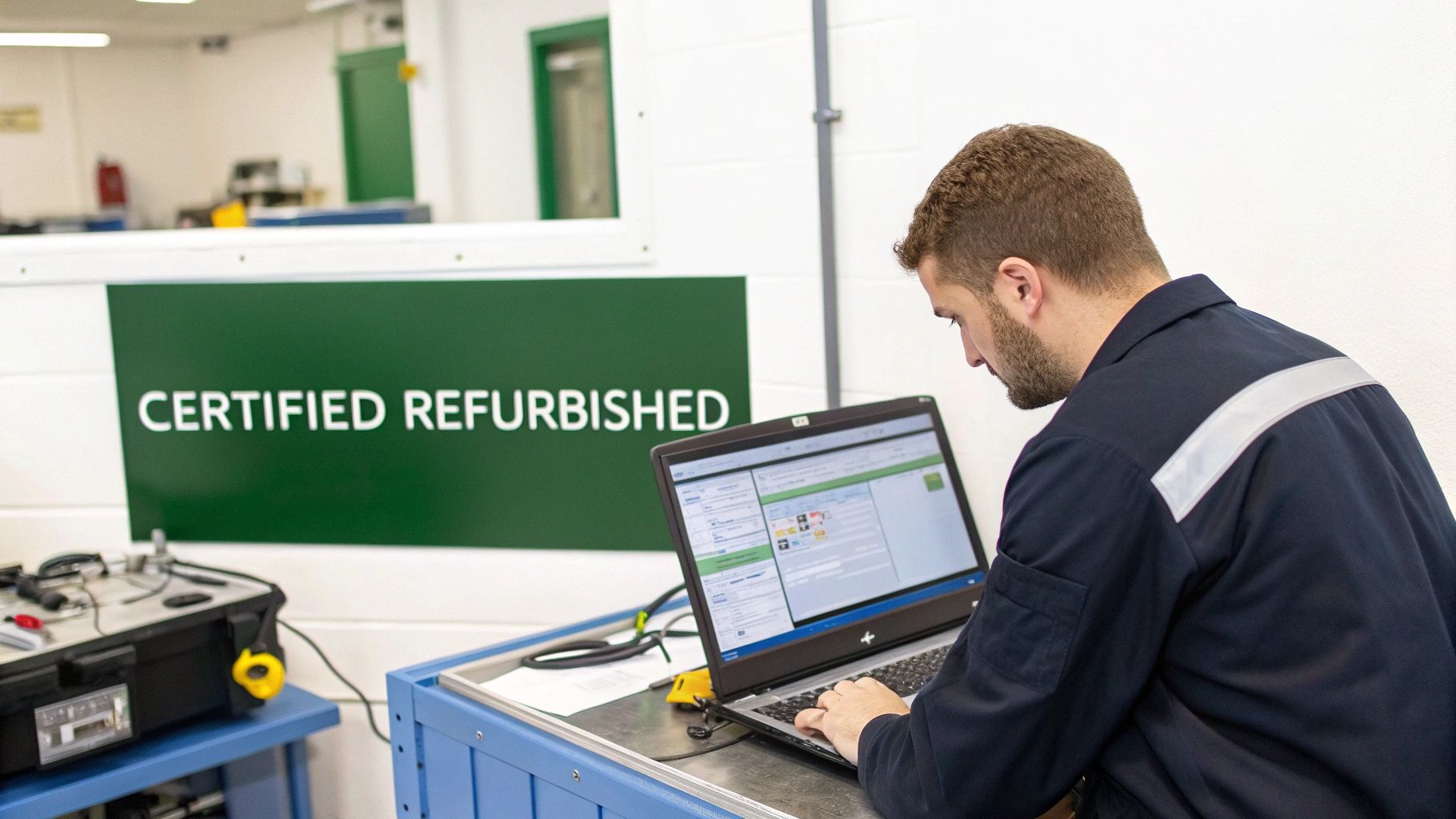
Unlike a typical second-hand sale, a certified refurbished laptop from a trusted marketplace like Trade.com.au goes through a rigorous, multi-point inspection and restoration process. It’s a lot more involved than just a quick clean and a factory reset.
Professionals methodically test every single component to make sure it meets strict quality standards. This isn't just about checking if it turns on; it's a deep dive into the machine's health and functionality.
This growing trust in professionally verified devices is fuelling a massive market shift. The global refurbished laptops market, valued at around USD 5.95 billion in 2024, is projected to soar to over USD 16 billion by 2035, with Australia being a key area of growth. This trend shows just how many people are now choosing reliability and value over the uncertainty of private sales.
The comprehensive verification process includes:
- Hardware Diagnostics: Technicians test the processor, RAM, storage drive, and motherboard to ensure they perform flawlessly under stress.
- Battery Health Guarantee: The battery is tested to confirm it holds at least 80% of its original capacity, so you’re not immediately chained to a power outlet.
- Screen and Keyboard Perfection: The display is checked for dead pixels or backlight bleed, and every single key is tested for responsiveness.
- Port and Connectivity Checks: All ports (USB, HDMI, etc.), Wi-Fi, and Bluetooth are verified to be fully operational.
Peace of Mind Is Part of the Deal
One of the biggest worries with any used device is data security. A key part of the refurbishment process is a secure and complete data wipe, ensuring all data from the previous owner is permanently erased according to professional standards. When looking at a refurbished laptop, understanding what is endpoint protection is also crucial, as it helps ensure the device is not just physically sound but digitally secure from the moment you turn it on.
This attention to detail provides a level of security you simply don't get with a private sale.
Buying certified refurbished isn’t just about getting a working laptop; it’s about getting a device that has been professionally vetted for quality, security, and performance, giving you complete confidence in your purchase.
Perhaps the most significant advantage, though, is the warranty. If anything goes wrong, you’re not left on your own. A solid warranty and access to dedicated customer support are standard with certified refurbished devices, directly tackling the biggest fears people have when buying used tech. It's the ultimate safety net, ensuring your investment is protected.
This professional oversight is exactly why so many people are now searching for local refurbished laptops, seeking that perfect balance of big savings and guaranteed quality.
Finding a Reputable Seller in Australia
Trying to find a great used laptop online can sometimes feel like walking through a minefield. The promise of a bargain is tempting, but the risk of getting a dud or dealing with a shady seller is very real.
Knowing how to spot the difference between a trustworthy vendor and a risky private sale is the most important skill you can develop. It’ll protect your wallet and save you a massive headache. A good seller wants you to feel confident in your purchase; a bad one often relies on vague descriptions and high-pressure tactics. Once you know what to look for, you can sidestep the scams and land a fantastic deal from a source you trust.
Red Flags in Private Sales
When you're scrolling through places like Facebook Marketplace or Gumtree, a few classic red flags should make you stop and think. These are the tell-tale signs of a seller who might be hiding something.
The biggest one? Stock photos. If they can’t be bothered to take a few pictures of the actual laptop they're selling, what else are they hiding? Vague, lazy descriptions like "works great" are another major warning. A genuine seller will give you detailed specs and be honest about any cosmetic scuffs or marks.
Keep an eye out for these other warning signs:
- Won't show it working: If a seller makes excuses for why you can't see the laptop turned on and running, just walk away. It's a classic trick.
- Pressure to pay upfront: Never, ever send money before you’ve seen and tested the device in person.
- No seller history or bad reviews: On platforms with seller ratings, a brand-new account or a string of negative feedback is a huge gamble.
These aren't just signs of a potentially bad deal—they often point directly to a scam. Trust your gut. If something feels off, it probably is.
Green Flags of a Trustworthy Seller
On the other hand, professional sellers and reputable marketplaces go out of their way to make you feel secure. Their business is built on transparency because they stand by the quality of what they sell. These "green flags" are your sign that you’re in safe hands.
The clearest indicator is high-quality, original photos showing the laptop from every angle. A good seller isn't afraid to show you the real device, warts and all, including close-ups of any minor scratches. This honesty is usually backed by a clear grading system explaining what terms like "Good" or "Excellent" condition actually mean.
The gold standard for a reputable seller is a clearly stated warranty. A warranty isn't just a promise to fix problems; it’s a powerful signal that the seller is confident in the quality of the device they are selling.
This confidence is crucial, especially in Australia's booming tech market. The Australian laptop market hit about USD 3.54 billion in 2024, thanks to high internet usage and a strong job market. But with huge demand comes a flood of sellers, making it more important than ever to pick a verified one. You can learn more about the Australian laptop market's steady growth to see why reliability matters so much.
A verified marketplace like Trade.com.au removes all the guesswork. We offer certified devices that have been professionally inspected, graded, and backed by a solid warranty. It’s the smartest and safest way to get the tech you need without the stress and risk of a private sale.
Still Have Questions About Buying a Used Laptop?
Even after you've done all your homework, it's totally normal to have a few last-minute questions before pulling the trigger on a used laptop. It's a big purchase, and you want to be 100% sure you're making a smart call.
To help you get over the line with confidence, we've rounded up the most common questions we hear from buyers just like you. Here are some quick, clear answers to clear up any lingering doubts.
What Is a Fair Price for a Used Laptop?
Working out a fair price can feel like a bit of a guessing game, but there's a good rule of thumb to follow. A used laptop in great shape will typically sell for 50-70% of what it cost brand new. That number slides up or down depending on its age, specs, and of course, its physical condition.
For example, a two-year-old premium machine like a Dell XPS 13 that's been well looked after might sell for around 65% of its original price. On the flip side, a four-year-old mid-range laptop is probably going to be closer to the 45% mark.
Your best bet is to compare a few listings for the exact model you’re after to get a feel for the current market. This is where a trusted marketplace really helps. At Trade.com.au, we take the guesswork out of it by pricing every device based on professional inspections and real-time data, so you know you're getting a fair deal.
How Long Should a Used Laptop Battery Last?
A laptop is only as portable as its battery, so this is a big one. For any decent used laptop, the battery should still hold at least 80% of its original design capacity. This is the industry benchmark for a healthy battery.
So, what does that mean in the real world? It means you should expect around 3-5 hours of light use—think web browsing or typing up documents—from a single charge. This can vary a lot depending on the model and what you’re doing, but it's a solid baseline.
If you're buying from a private seller, always ask for a battery health report. The huge advantage of a certified refurbished device is that this check is already done for you. Every laptop sold on Trade.com.au is guaranteed to meet that 80% minimum, so it's ready to go right out of the box.
Is It Safe to Buy a Used Laptop Online?
Absolutely, but it all comes down to where you buy it. Diving into private sales on general marketplaces can be a bit of a gamble. You might run into sellers who aren't completely upfront about the device's condition, or worse, end up with a laptop that has hidden problems.
The safest way to buy a used laptop online is through a specialised, verified marketplace. These platforms act as a trusted middleman, taking on the job of guaranteeing quality and security for you.
A verified marketplace turns a risky private sale into a secure, reliable purchase. It's the safety net you need to buy with total peace of mind.
This involves professional technicians who inspect, test, and securely wipe every single device before it's even listed. Throw in a solid warranty and real customer support, and it’s easily the most secure way to buy.
What Is the Difference Between Refurbished and Used?
This is probably the most crucial distinction to understand. The terms get thrown around interchangeably, but they mean very different things.
- Used (or Second-Hand): This usually means the laptop is being sold "as is" by its previous owner. There have been no professional checks, no repairs, and no guarantees about its condition.
- Certified Refurbished: This means the laptop has been through a proper, professional process. Technicians test all its components, clean it inside and out, fix anything that needs it, and restore it to factory settings. It's then graded on its cosmetic condition and sold with a warranty.
Think of it like buying a car. "Used" is like buying from a stranger in a car park—you're on your own. "Certified Refurbished" is like buying a certified pre-owned car from a dealership that has inspected it from top to bottom and stands behind it with a guarantee.
Feeling better about making a smart choice? The next step is to explore devices that have already passed all these checks with flying colours. On Trade.com.au, every laptop is professionally certified and backed by a 12-month warranty, giving you all the benefits without any of the risks.