

Your Ultimate Guide to a Telstra iPhone Trade-In
Thinking about using the Telstra iPhone trade-in program? You’re not alone. It’s a popular move for many Australians, offering a simple way to turn your old iPhone into credit towards a new device or your monthly bill. It’s all about convenience, letting your telco handle everything.
But is it the best deal for you? Let's break down how it works, what your iPhone is really worth, and whether you could get more cash elsewhere.
How the Telstra iPhone Trade-In Program Works
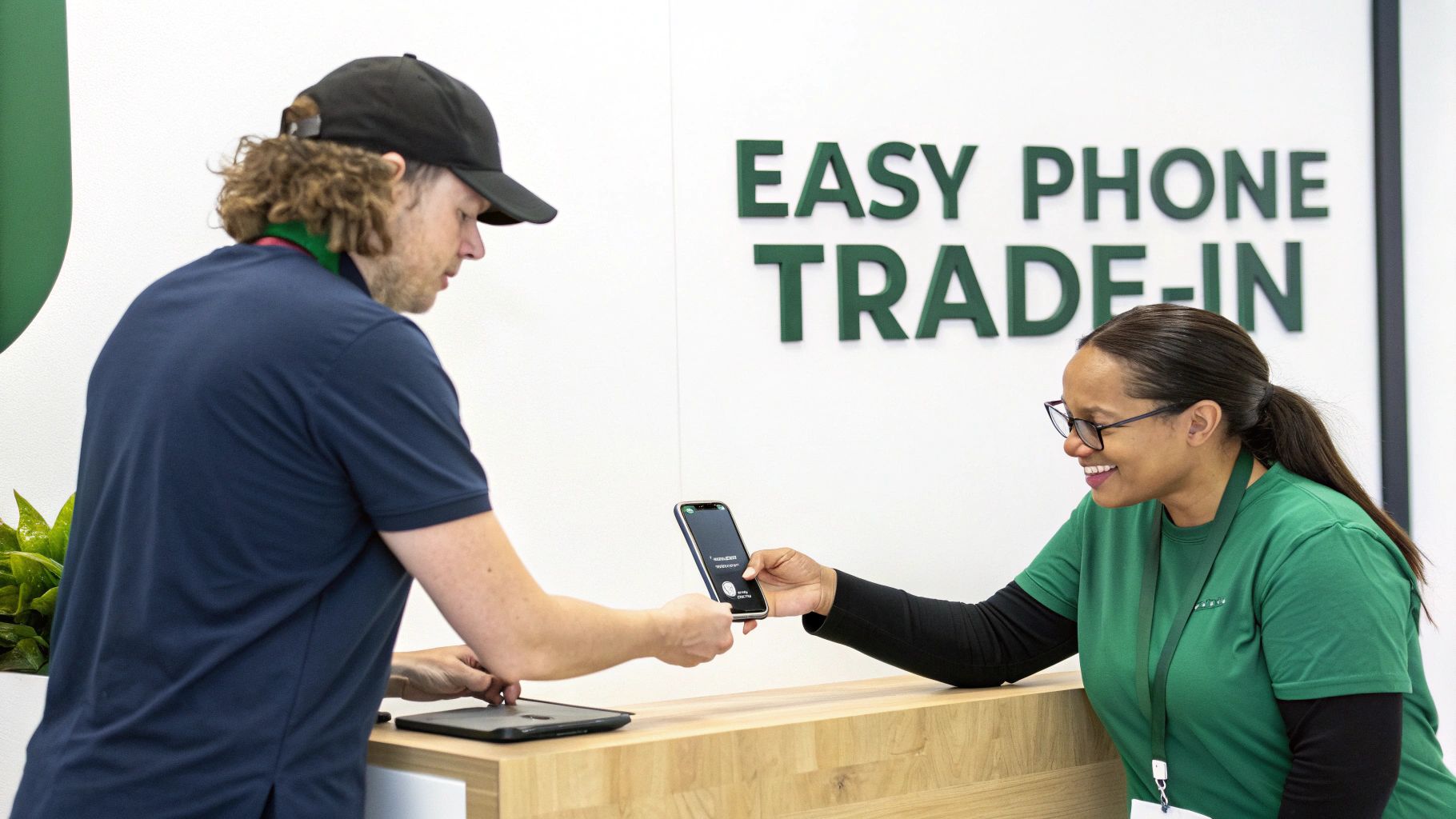
When upgrade time rolls around, Telstra's program offers a pretty straightforward path. The idea is simple: you get a quote for your old iPhone, send it in, and Telstra applies the value as a credit to your account. This is a huge plus if you’d rather not deal with the hassle of selling your phone on a marketplace while managing your mobile plan.
The program lets you skip finding a private buyer. You can start the process online using Telstra’s Trade-In Estimator or walk into a store for an on-the-spot assessment. Honestly, this seamless experience is the main reason so many people choose it.
The Basic Steps Involved
The journey from your old phone to bill credit follows a few key steps. First, you’ll answer some questions about your iPhone's model and condition to get an initial quote. If you’re happy with the number, you’ll then prepare your phone and either mail it in or drop it off.
Here’s a quick rundown of what to expect:
- Eligibility Check: Your iPhone must be in good working order. Crucially, you must own it outright—no leftover device payments.
- Valuation: You’ll get an estimated value based on its model, storage, and overall condition.
- Submission: You can complete the process online and post your device, or do it all in one go at a Telstra store.
- Credit Application: Once your phone is received and passes a final inspection, the agreed credit is applied directly to your Telstra bill.
This program is a core part of Telstra's customer retention strategy. By offering a convenient trade-in option, they encourage users to stay within the Telstra ecosystem when it's time for a new phone.
Telstra iPhone Trade-In At a Glance
To make it even clearer, here’s a quick summary table of how the program works.
| Aspect | Details |
|---|---|
| Eligibility | iPhone must be owned outright and in good working order. |
| Valuation Method | Online estimator tool or in-store assessment based on model and condition. |
| Submission Options | Mail-in using a provided kit or drop-off at a participating Telstra store. |
| Credit Type | Applied as credit to your Telstra bill. Not redeemable for cash. |
| Timeline | Typically takes a few weeks from submission to credit application for mail-ins. |
This gives you a solid overview of what to expect from start to finish.
While the convenience is hard to beat, remember that the credit is locked to your Telstra account. If you’re after cash in hand or think you could get a better price elsewhere, it's always smart to explore your options. For a wider look at your choices, check out our guide on how to trade in your phone in Australia.
Finding Out What Your iPhone is Actually Worth
So, you’re ready to trade in your old iPhone. Smart move. But before you start dreaming about that bill credit, it’s important to understand what Telstra considers "good working order" and what your device is genuinely worth to them.
It’s not as simple as checking if it turns on. Telstra has a specific checklist, and their definition of "good" can be the difference between a decent payout and a disappointing surprise.
What Does "Good Working Order" Really Mean?
Think of it like getting a car ready for sale. Minor wear is expected, but significant damage will always lower the price. Telstra is looking for a device they can potentially refurbish and give a second life to.
Here's a breakdown of what their technicians will be looking at:
- The Screen: Faint, everyday micro-scratches are usually fine. But deep scratches you can feel with a fingernail, any cracks, dead pixels, or screen discolouration will cause a major hit to the value.
- The Body: Minor scuffs on the corners from daily use are often acceptable. What they don’t want to see are dents, deep gouges in the metal, or a bent frame. Those are big red flags.
- Functionality: Every single button—volume, power, and the mute switch—needs to click and work perfectly. Both cameras must take clear photos, with no blurry spots or cracks over the lenses.
- Water Damage: iPhones have hidden Liquid Contact Indicators (LCIs). If they've been exposed to moisture, they turn from white or silver to red. If that's happened, your trade-in will almost certainly be rejected on the spot.
Our Advice: Be brutally honest with yourself. That tiny crack in the corner you’ve learned to ignore? Telstra won't. Assessing your phone with a critical eye means the online quote you get will be much closer to the final offer.
Getting an Accurate Online Estimate
Telstra’s online estimator is your first stop. The key to making it work for you is answering the questions with 100% accuracy. Don't be tempted to select "perfect condition" if you know there's a noticeable scratch on the screen.
Let's run through a quick example with an iPhone 14 128GB.
- Pristine Condition: If it's flawless with no visible marks and great battery health, you might see an estimate around $400-$550.
- Minor Wear and Tear: A few light scuffs? That could easily knock $50-$100 off the top.
- Cracked Screen: Even a single hairline crack can slash the value by more than 50%, or make it ineligible for any credit at all.
The goal is to avoid a re-quote. If you claim your phone is perfect and they find a deep scratch, they’ll just email you a revised, lower offer. This drags out the process and is frankly, a bit frustrating.
To get a broader idea of your phone's worth, use an independent phone value calculator in Australia for a useful comparison. Managing your expectations will make your trade in iPhone Telstra experience much smoother.
How to Prepare Your iPhone for a Telstra Trade-in
Getting your iPhone ready for a trade-in is the most important step to protect your data and ensure the process goes off without a hitch. A few minutes of prep can prevent delays and help you get the full value you were quoted. Think of it as a final send-off for your old digital companion.
The first thing you absolutely must do is back up your data. This isn't negotiable. You can back everything up to iCloud directly from your phone or plug it into a computer to use Finder or iTunes.
Securing Your Data and Wiping the Device
Once your memories are safe, it’s time to sign out of your accounts and wipe the iPhone clean. This is crucial for your privacy. If you miss this step—particularly leaving 'Find My' active—Telstra simply can't accept the trade-in.
Here’s exactly what you need to do:
- Turn Off 'Find My iPhone': Go to Settings > [Your Name] > Find My. Tap 'Find My iPhone' and toggle it off. You'll need your Apple ID password to confirm. This is the big one they always check for.
- Sign Out of iCloud and Apple ID: Go back to Settings and tap your name at the top. Scroll all the way down and hit 'Sign Out'. This disconnects your Apple ID from the device.
- Perform a Factory Reset: This is the final wipe. Navigate to Settings > General > Transfer or Reset iPhone > Erase All Content and Settings. This permanently deletes your data and restores the phone to its original state. For a detailed walkthrough, follow our guide on how to safely perform an iPhone factory reset.
This is the screen you’re looking for—it’s the final step to make sure none of your personal information is left behind.
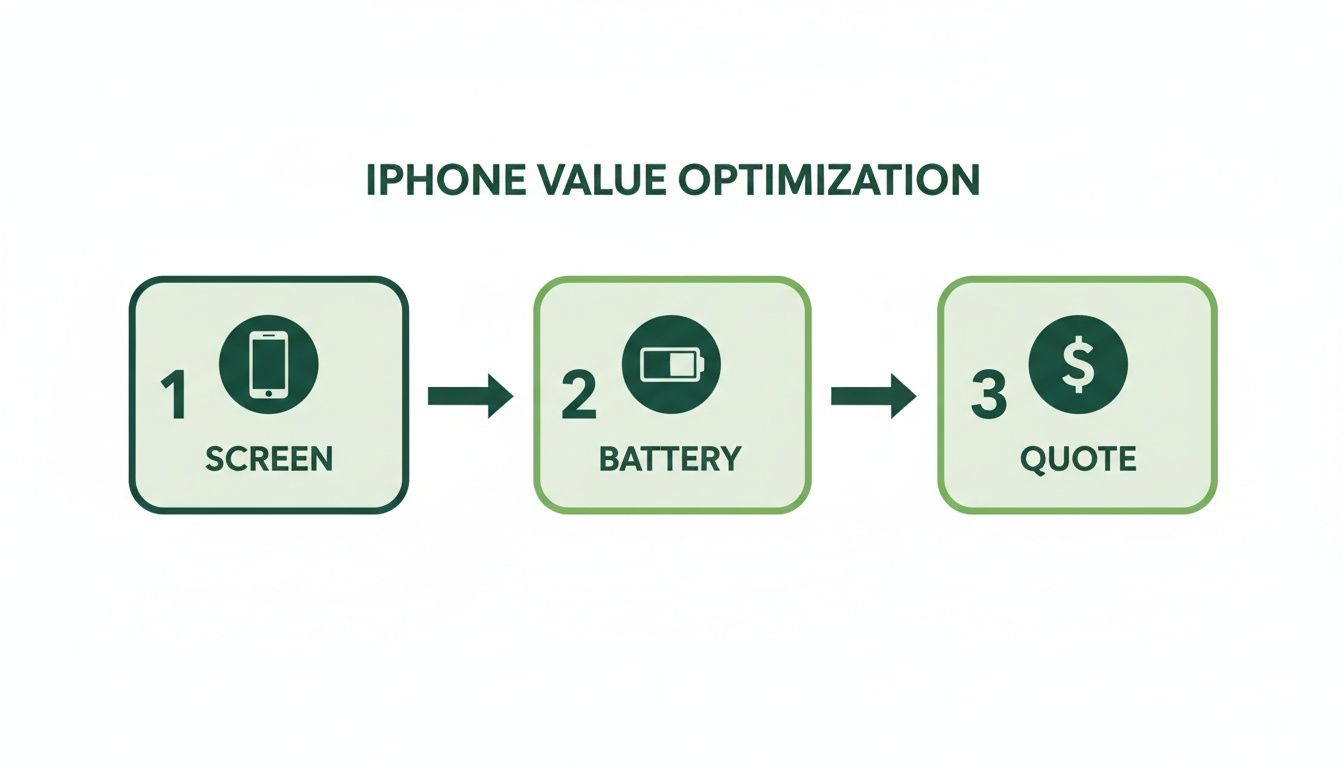
Hitting "Erase All Content and Settings" is your last digital checkpoint before the phone is ready to go.
Final Touches Before Sending It Off
With the digital housekeeping done, there are just a couple of physical tasks left.
Pro Tip: Give your iPhone a good clean with a microfibre cloth. A device that looks well-cared-for often makes a better impression during the final inspection, helping you lock in the quoted value.
Here’s your final physical checklist:
- Pop out your SIM card. This is super important, as it’s tied to your mobile account.
- Remove any cases or screen protectors. The phone needs to be sent back completely bare.
- Make sure it has some charge. The device needs to power on easily for the inspection.
Following these steps ensures a smooth process and helps you get the credit you were promised without any fuss.
Choosing Your Path: Online vs. In-Store Trade-In
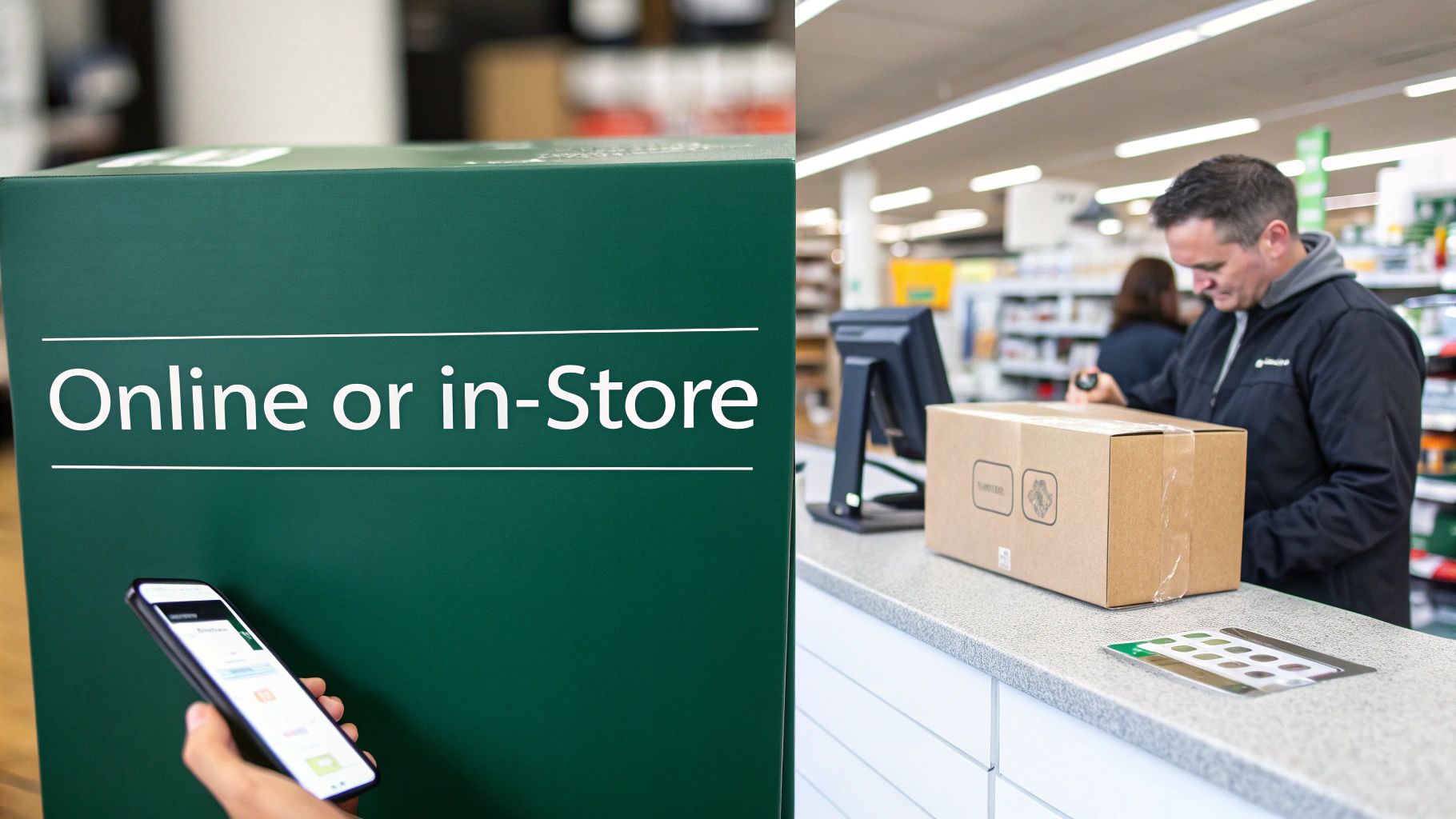
Alright, with your iPhone wiped and ready, you’re on the home stretch. Telstra gives you two ways to complete the trade-in: handle it online from home or head into a physical store.
The best option really boils down to what suits you. Do you prefer the convenience of doing it all from your couch, or the speed and certainty of an in-person assessment? Your answer will shape the final leg of your trade in iPhone Telstra journey.
The Online Mail-In Method
Designed for anyone, anywhere in Australia, the online process is all about convenience. Once you accept your quote online, Telstra will email you everything you need, including a free Australia Post shipping label.
Your main task is to pack the iPhone securely. Remember, they only want the device—no original box, charger, or accessories. A small, sturdy box with a bit of bubble wrap is perfect.
After you drop it off at the post office, it's a bit of a waiting game. It generally takes 5-10 business days for your phone to arrive at their processing partner. From there, technicians will give it a final look-over.
If everything matches up, the credit will be applied to your Telstra account, usually within one to two billing cycles.
Key Takeaway: The online option is fantastic if you're not in a rush. Just be sure to pack your iPhone carefully to prevent any damage in transit that could change its final value.
The In-Store Instant Assessment
If you'd rather not wait, dropping into a store offers an instant result. This is a huge plus for anyone living in or near cities like Sydney, Brisbane, or Melbourne with easy access to a participating Telstra store.
A team member will inspect your device right there, confirming the final trade-in value in minutes. The whole thing is done in a single visit. Best of all, the credit is often processed much faster, sometimes showing up on your account almost immediately.
This approach is ideal if you want certainty about the final value before you hand over your phone. There’s no risk of getting a surprise re-quote a week later.
Ultimately, whether you mail it in or walk into a store, the choice is about what works best for your schedule and peace of mind.
Maximizing Your Return and Exploring Alternatives
Getting bill credit from Telstra for your old iPhone is a solid, straightforward option. But is it the best financial move? With a little strategy, you can boost your return, and looking beyond your telco might unlock even better value.
The goal is to get the most money possible for your old device. That usually comes down to two simple things: timing and exploring all your options.
Smart Tips for a Bigger Payout
When it comes to trade-ins, timing is everything. iPhone values are highest right before Apple announces a new model, typically in September. As soon as the new iPhone is revealed, trade-in values for previous generations start to drop. Trading your phone in during August can often net you a better return than waiting until October.
The other huge factor is the phone's physical condition. Using a quality case and screen protector from day one is the single best investment you can make to preserve its value. A phone free from scuffs, dents, and deep scratches will always command a higher price.
Insider Tip: Don't just accept the first offer. Carrier programs like the Telstra iPhone trade in are built for convenience, not maximum value. Their offers are often lower than what you could get from a dedicated tech marketplace that specialises in buying used phones.
Why Telstra Isn't Your Only Option
Convenience is great, but cash in your bank account is often better. This is where exploring alternatives really pays off.
While Telstra gives you bill credit, specialist platforms are in the business of buying used tech and can often put a more competitive cash price on the table. It’s their core business, not just an add-on to a new phone plan.
A platform like Trade.com.au puts you in a much stronger position. You get a direct, upfront cash offer for your iPhone, giving you the freedom to use that money however you want—whether it's for a new phone, your bills, or something else entirely. No strings attached.
Telstra Trade-In vs. Selling on Trade.com.au
This table breaks down the key differences to help you decide which route makes the most sense for you.
| Feature | Telstra Trade-In | Selling on Trade.com.au |
|---|---|---|
| Payment Type | Credit applied to your Telstra bill. | Cash paid directly to your bank account. |
| Potential Value | Often lower; prioritises convenience. | Generally higher, as it's a competitive marketplace. |
| Flexibility | Credit is locked to your Telstra account. | Total freedom to spend the cash anywhere you like. |
| Process | Convenient, especially when upgrading on a plan. | Simple online process with free postage Australia-wide. |
Ultimately, choosing to trade in your iPhone with Telstra offers a simple, integrated experience.
However, if your main goal is to get the best financial return for your old device, taking a few minutes to get a quote from a dedicated marketplace like Trade.com.au is a savvy move that very often leaves you with more cash in your pocket.
Frequently Asked Questions About Telstra Trade-Ins
Even with a straightforward process, it’s normal to have a few questions. Getting clear answers before you send your old iPhone off is always a smart move.
Here are the most common queries we hear from Australians navigating the Telstra system.
What Happens If Telstra's Final Offer Is Lower Than the Estimate?
This is a big one. What if you get a lowball offer after sending your phone in?
If Telstra’s partner inspects your iPhone and finds its condition isn't what you described, you'll get an email with a revised, lower offer.
From there, the ball is in your court. You’ll have about 14 days to either accept the new value or reject it. If you reject the offer, they’ll simply mail your iPhone back to you at no extra cost. This is why being honest during the initial online assessment is so important—it prevents surprises down the line.
How Long Does the Bill Credit Take to Appear?
The timeline depends on whether you trade in online or in-store.
- Online Trade-In: Be prepared to wait a bit. After you post your iPhone, it can take 5-10 business days to arrive and be inspected. Once the value is approved, the credit usually hits your Telstra account within one to two billing cycles.
- In-Store Trade-In: This is the fast lane. If you trade your device in at a Telstra store, the credit is often processed on the same day.
Can I Trade In an iPhone I'm Still Paying Off?
Unfortunately, this is a hard no. To be eligible for the Telstra iPhone trade in program, you must own the device outright.
If your phone is still on a payment plan—with Telstra or another carrier—you’ll need to settle the remaining balance first. The trade-in credit can’t be used to pay off an existing device plan.
Do I Need to Include the Original Box or Charger?
Nope, you can hang onto your accessories. The trade-in value is based entirely on the iPhone itself—its model and condition.
You don't need to send the original box, charger, or headphones. Just make sure the device is wiped clean and ready to go.
Ready to see what your old tech is really worth? Instead of being tied to bill credit, get a fast, competitive cash offer. At Trade.com.au, we make it easy to sell your old phone and get paid, giving you the freedom to use your money your way. Check out the latest verified devices on Trade.com.au.